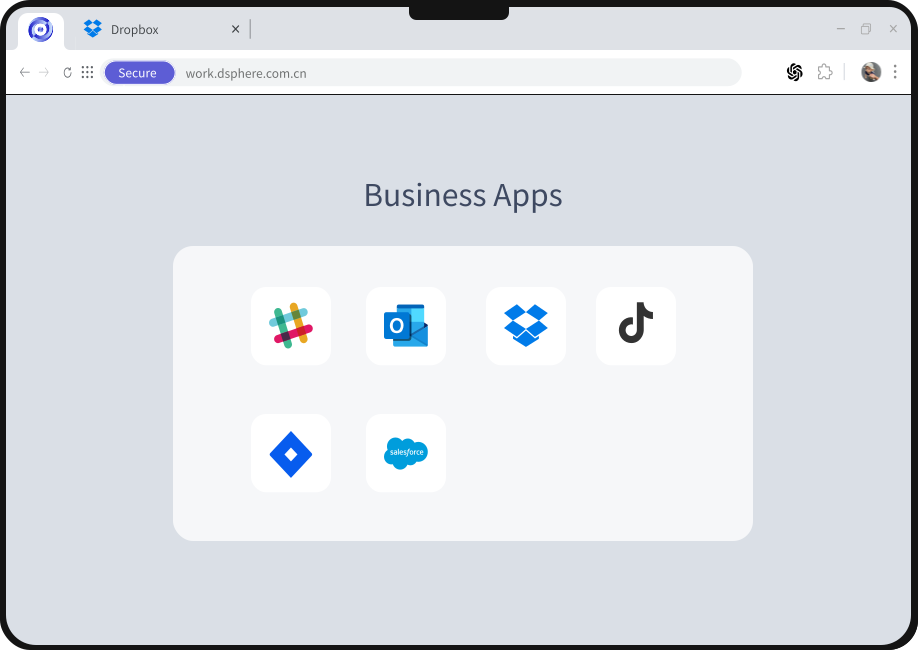

Multi-Session Management
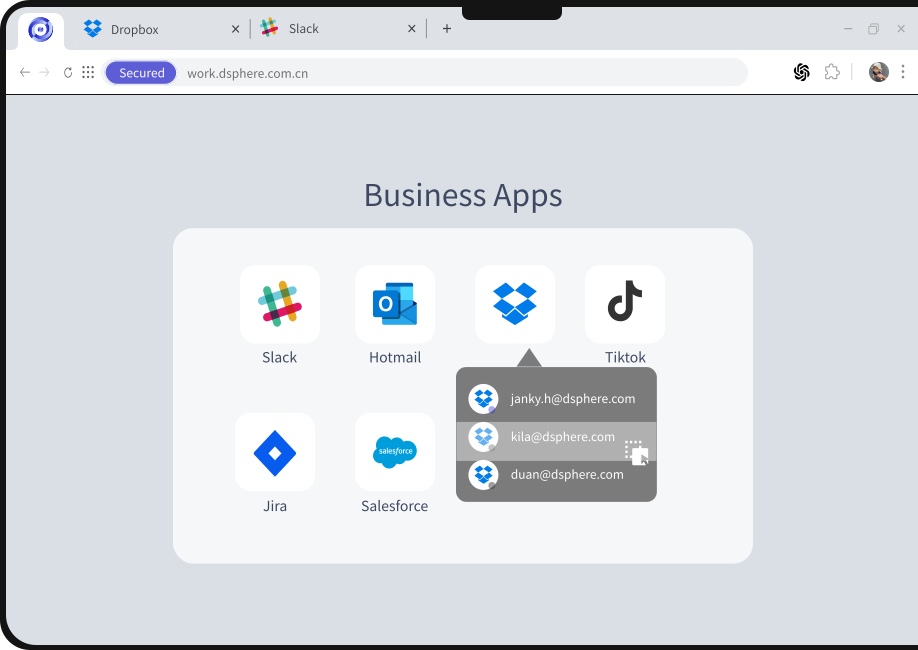
DSphere browser allows users to open multiple browsing sessions simultaneously in different tabs, providing unprecedented multitasking capabilities.




Use Cases
Ensure the security of any user, on any device, in any location, accessing any application — reducing network risks while enhancing team productivity and technical efficiency.

Web Scraping
Run web scraping scripts from multiple accounts simultaneously, with full control over browser fingerprint.

Anti-Detect
Simultaneously use multiple accounts on the same website without worrying about account bans.

RPA Process Optimization
Streamline repetitive workflows, such as account creation and marketing campaigns across multiple accounts.
Frequently asked questions
What operational problem does multi-session address?
Many business sites limit concurrent logins. Teams in operations, support, marketing, and automation may need multiple isolated sessions to work efficiently without mixing credentials or session state.
What does isolation mean in this context?
The page describes browser-side separation of sessions and environment fingerprints to reduce cross-account interference, policy violations, or platform enforcement issues—refer to product documentation for implementation detail.
Are the example use cases guarantees?
Examples such as web scraping, anti-detect browsing, and RPA-style workflows illustrate common patterns; they are descriptive, not a promise of fitness for every customer or jurisdiction.
How can we try DSphere?
Use the Free Trial button on this site; it opens the DSphere account onboarding flow in a new window.

Time to Rebuild Data Security
Inside DSphere is work; outside DSphere is life. Enterprises need not worry about data leaks, and employees need not worry about their privacy being infringed.